
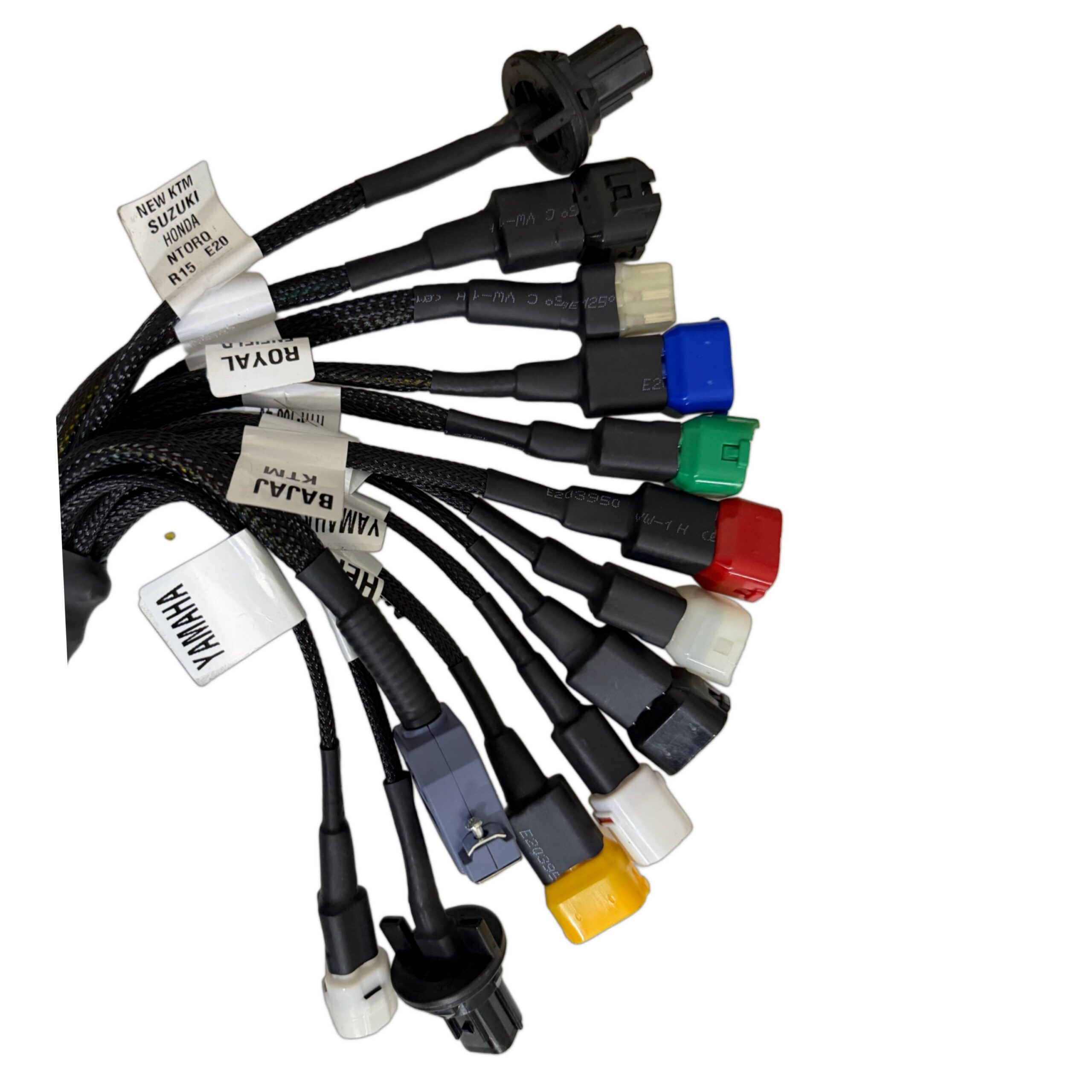
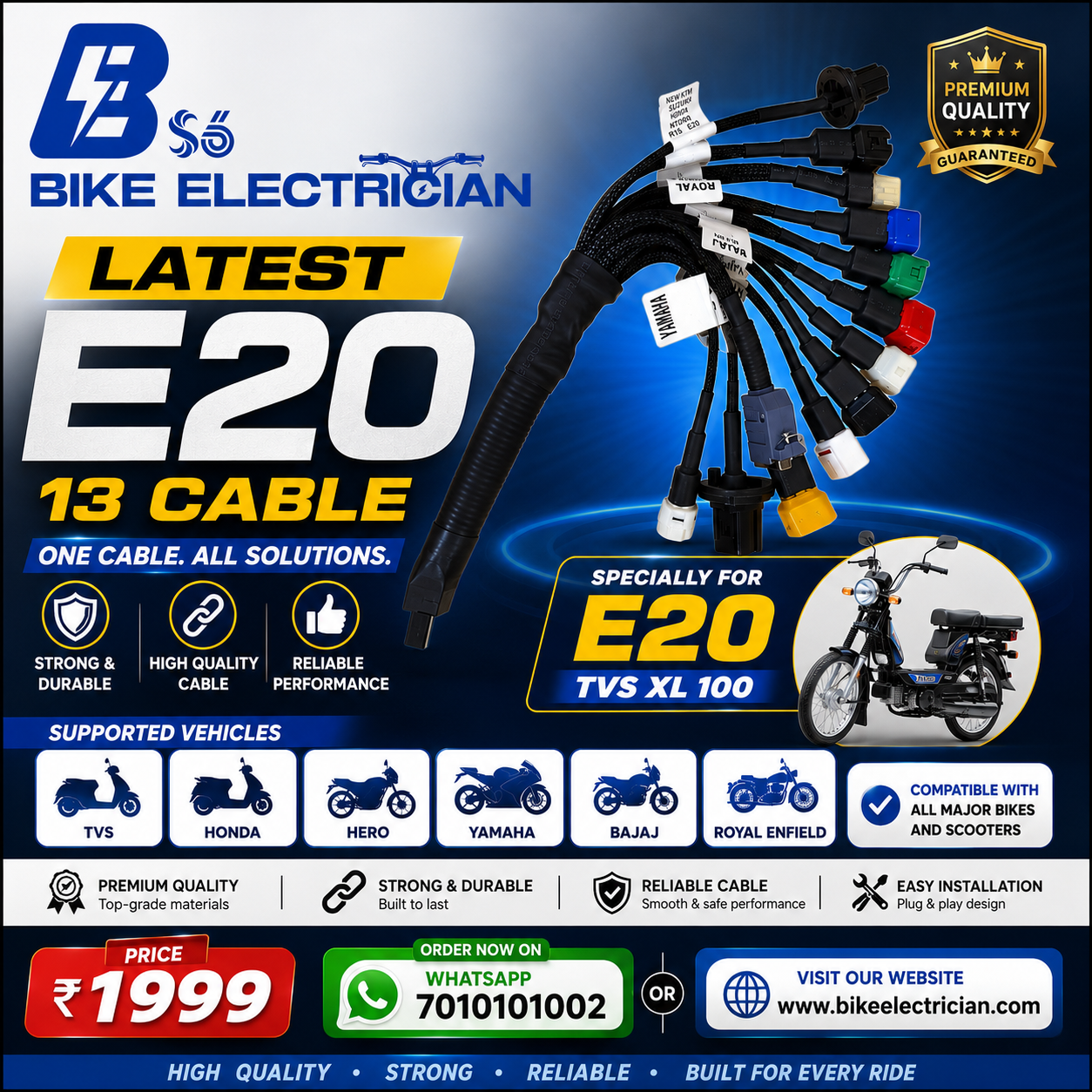
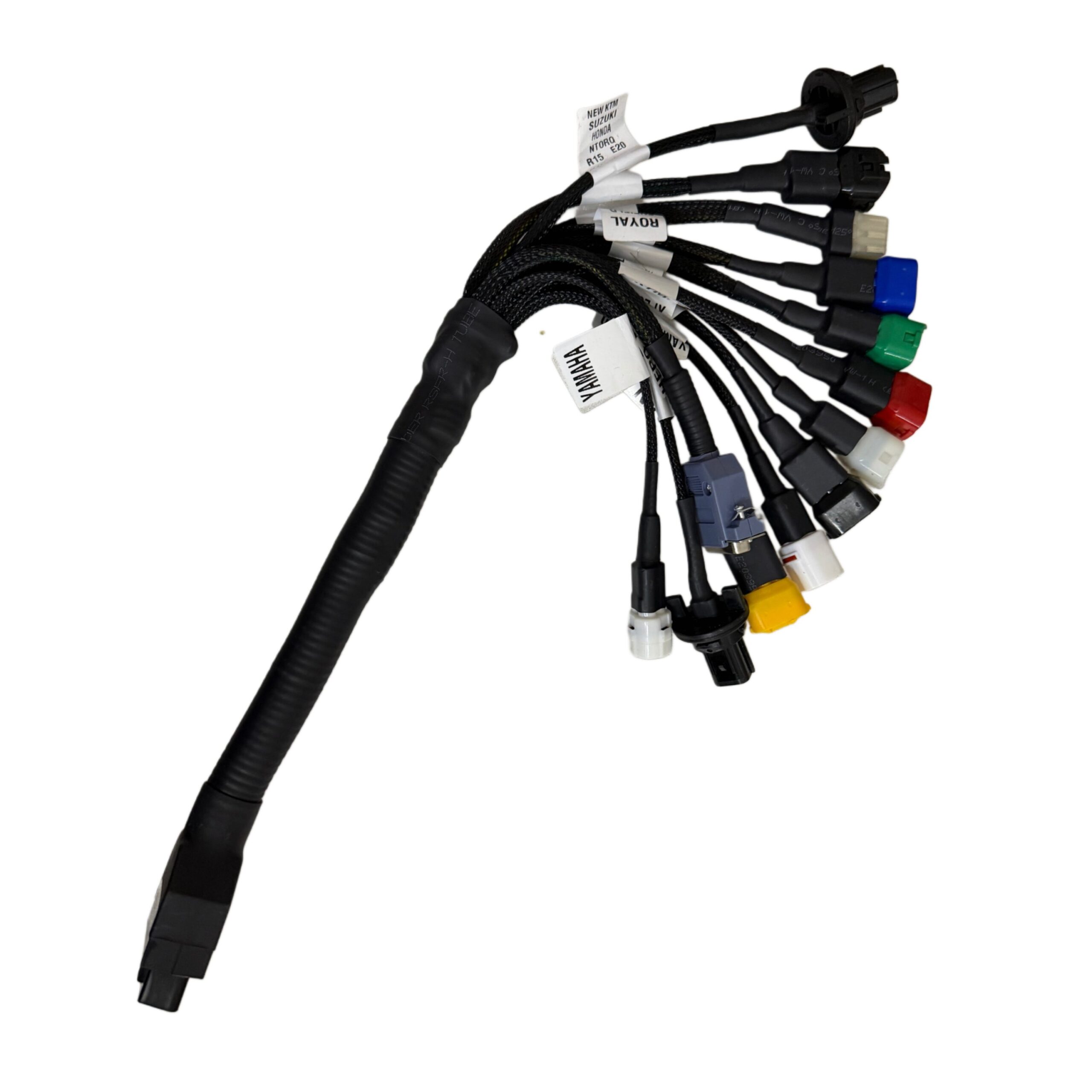
Professional Diagnostics for the Latest TVS XL100 E20 Range
Diagnosing modern fuel-injected and E20-compliant motorcycles requires precision tools. The newest generation of TVS XL100 E20/BS6 mopeds features updated Engine Control Units (ECUs) and a unique diagnostic port that standard OBD scanners cannot connect to directly.
The OBD Cable 13 (XL100 E20 Cable) acts as the perfect bridging adapter. It converts the TVS-specific diagnostic terminal into a standard 16-pin OBD2 female port. Now, mechanics and workshop owners can easily read and clear error codes, turn off the check engine light, monitor real-time sensor parameters, and troubleshoot fuel delivery issues without buying expensive proprietary scanning systems.
Key Features & Benefits
- Engineered for TVS E20 Tech: Fully compatible with the updated electronic fuel injection (EFI) and emission control systems on E20 (20% Ethanol blended fuel) TVS vehicles.
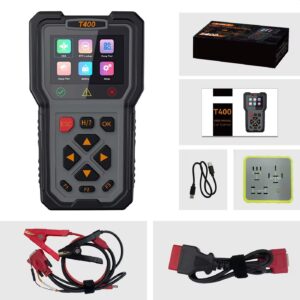
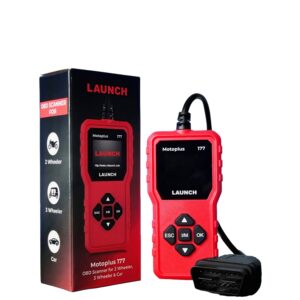
- Universal Scanner Link: Connects your TVS XL100 E20 directly to professional bike diagnostic tablets, T300, T400, hand-held scanners, or ELM327 interfaces.
- Heavy-Duty Construction: Built with high-purity copper core wiring and industrial-grade insulated sheath for maximum durability in busy workshop environments.
- Stable Data Transmission: Premium pin connectors ensure zero latency and prevent data transfer errors or ECU connection drops during scanning.
- Accurate Pin Mapping: Custom-configured internal pins match TVS factory ECU diagnostic terminals perfectly, avoiding short circuits or sensor damage.
Technical Specifications
- Adapter Type: TVS Proprietary OBD Connector to OBD2 16-Pin Female
- Compatibility Standard: E20 Compliant & BS6 Phase 2 (OBD2)
- Cable Length: ~30 cm (Ideal for easy engine bay connection)
- Wire Shielding: Heat-resistant PVC outer casing
- Connection Pins: Gold-plated terminals for reliable contact
Compatible Vehicles
Designed primarily for the E20-compliant TVS range, including:
- TVS XL100 Heavy Duty E20 (BS6)
- TVS XL100 Comfort E20 (BS6)
- TVS XL100 i-Touch Start E20 (BS6)
- Other newer generation BS6 Phase II TVS vehicles using the same terminal port layout.
How to Perform Diagnostics (Step-by-Step Guide)
- Locate the Port: Remove the TVS XL100 engine cover or side battery shield to locate the red diagnostic port plug.
- Connect Cable 13: Insert the male end of the OBD Cable 13 adapter into the bike’s diagnostic port.
- Plug in the Scanner: Connect your OBD scanner (such as the T300 or T400) to the standard 16-pin female end of the adapter.
- Turn On Ignition: Turn the motorcycle key to the “ON” position (do not start the engine).
- Scan and Clear: Boot up your diagnostic tool, select the TVS system, and scan for active Diagnostic Trouble Codes (DTCs) to identify sensor or fuel pump issues.
📋 Frequently Asked Questions (FAQ)
Q: Will this cable fit older BS6 TVS XL100 models?
A: Yes, it fits all standard BS6 TVS XL100 models as well as the newest E20-compliant versions. However, it is not compatible with older BS4 or carbureted models.
Q: Which diagnostic scanners is this cable compatible with?
A: It works with all standard OBD2 diagnostic systems, including the T300, T400 scanner, diagnostic tablets, and ELM327 Bluetooth scanners.
Q: Does using this cable void the TVS vehicle warranty?
A: No. Since it plugs directly into the factory diagnostics port without cutting, stripping, or modifying any wires, it is completely safe and warranty-friendly.
Reviews
There are no reviews yet.